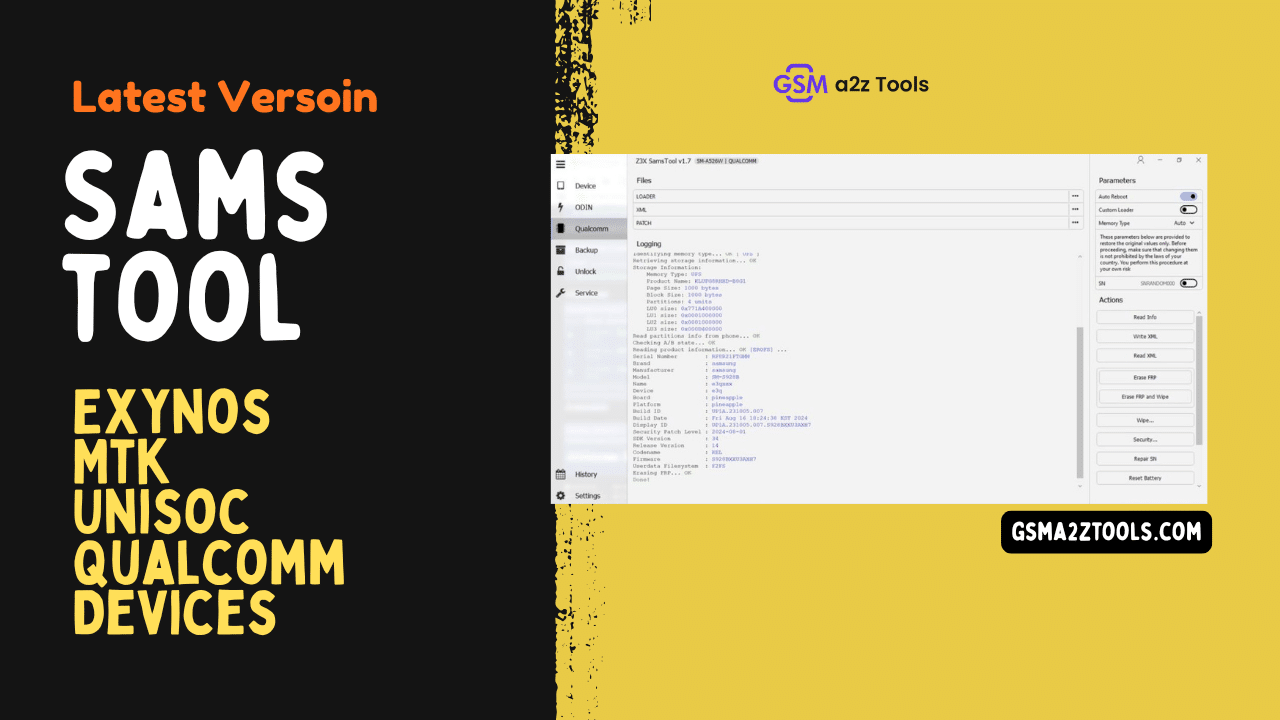
Samstool all-in-one samsung tool for frp remove imei repair csc change and certificate patching
If You’ve Ever Picked Up A Samsung Phone That’s Stuck On Frp Lock Lost Network After Flashing Or Showing Strange Certificate Errors You Know How Stressful That Moment Feels. You Start Searching For Answers Hoping There’s One Tool That Can Fix Everything Without Wasting Hours. That’s Usually When People Come Across Samstool And Wonder If It’s Really The Solution They’ve Been Looking For.
In This Blog Post We’ll Walk You Through What Samstool Actually Offers And Why So Many Technicians Rely On It. You’ll Learn About Its Key Features Like Frp Reset Imei And Mac Repair Certificate Patching Csc Changes And Bootloader Control. We’ll Also Explain The Supported Samsung Chipsets And Functions In Simple Terms So You Can Clearly Understand How This Tool Helps Solve Real Samsung Software Problems.
What Is The Samstool
Samstool Is A Professional Samsung Servicing And Repair Utility Designed For Users Who Deal With Software-level Problems On Samsung Devices. It Is Commonly Used By Technicians And Advanced Users To Fix Issues That Standard Flashing Tools Can’t Handle. When A Phone Is Locked Stuck On Frp Or Showing Certificate And Network Errors This Tool Becomes Extremely Useful.
What Makes Samstool Popular Is Its All-in-one Nature. Instead Of Using Multiple Tools For Different Tasks It Provides A Single Platform To Manage Frp Removal Imei Repair Certificate Work Csc Changes And Bootloader Operations. This Saves Time And Reduces The Risk Of Mistakes During Repairs.
Download The Samstool Latest Versoin
Downloading The Latest Version Of Samstool Is Important Because Samsung Security Updates Change Frequently. New Versions Add Support For The Latest Android Updates And Newly Released Samsung Models. Using An Outdated Version May Result In Failed Operations Or Unsupported Devices.
The Latest Version Usually Includes Improved Stability Faster Server Response And Added Functions For Exynos Mtk Unisoc And Qualcomm-based Samsung Devices. Always Make Sure The Downloaded File Is Complete And Properly Installed To Avoid Tool Crashes During Critical Operations.
Features:
- Repair IMEI
- Repair MAC
- Patch Certificate
- Reset FRP Lock/ FRP Remove
- Network Factory Reset
- Read Codes Online
- SW Change
- Unlock / Relock Bootloader
- CSC Change
- Device Info
- Read Certificate
- Write Certificate
- Store / Restore Backup
Supported Latest Generation Of Exynos Mtk Unisoc Qualcomm Based Samsung Devices.
Functions:
- Switch To Eub Mode
- Easy Partition Manager
- Reset Frp
- Repair Boot
- Read Info
- Set Kg State
- Change Csc
- Remove Warnings
- Read Codes
- Unlock Network/regional Locks
- Unlock/relock Bootloader
- Read/write Backup
- Reset Battery Status
- Bootloader Unlock
- Repair Imei
- Repair Sn
- Update Firmware
- Patch Cert
- Read/write Cert
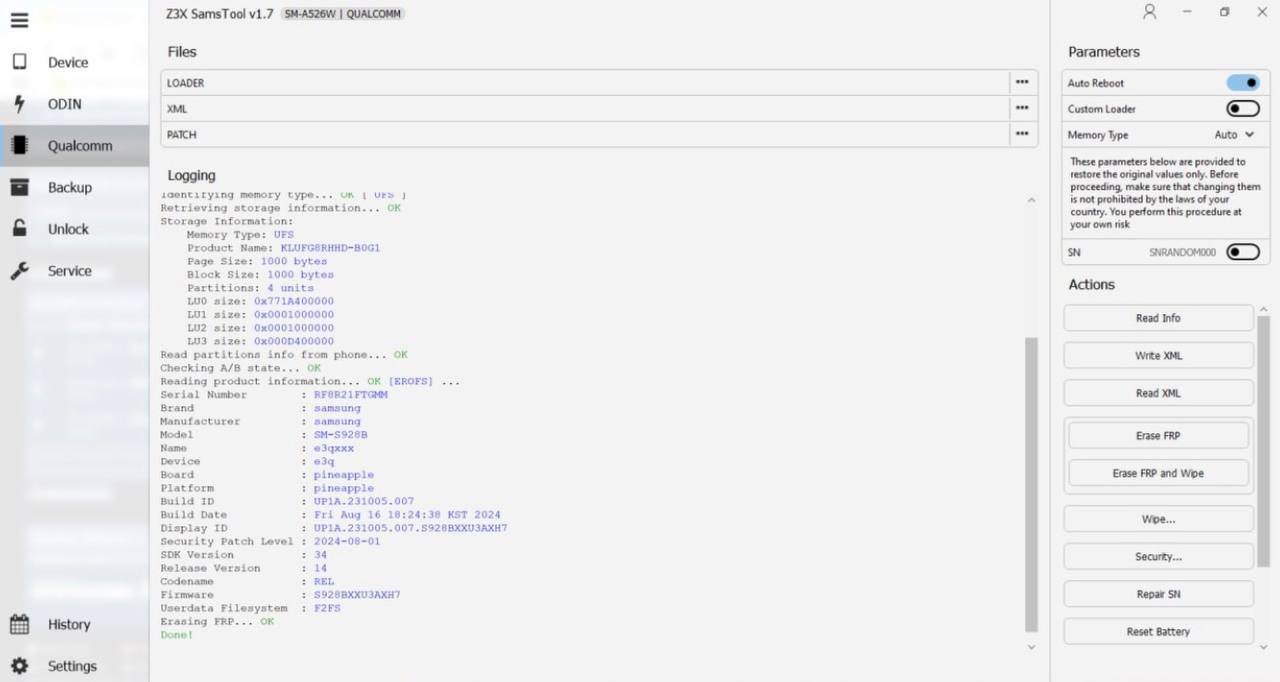
Z3x samstool professional samsung tool for frp remove imei repair and csc change
One Of The Strongest Points Of Samstool Is Its Wide Range Of Advanced Repair Features. It Allows You To Repair Imei Repair Mac Address Patch Certificates And Perform Network Factory Resets With A Few Clicks. These Features Are Especially Helpful After Flashing Firmware Or Fixing Network-related Problems.
In Addition The Tool Supports Frp Lock Reset Csc Change Bootloader Unlock Or Relock Sw Change And Online Code Reading. It Also Lets You Read And Write Certificates View Full Device Information And Store Or Restore Backups Making It A Complete Samsung Repair Solution.
Supported Samsung Chipsets And Devices
Samstool Supports The Latest Generation Of Samsung Devices Powered By Exynos Mediatek (mtk) Unisoc And Qualcomm Chipsets. This Wide Compatibility Makes It Suitable For Both Old And New Samsung Models. Whether You’re Working On A Budget Phone Or A Flagship Device Support Is Usually Available.
Because Chipset-level Support Is Included The Tool Can Perform Deep Repairs That Basic Flashing Software Cannot. This Makes It Especially Valuable For Technicians Who Handle Different Samsung Variants Daily.
Frp Reset And Unlocking Capabilities
Frp Lock Is One Of The Most Common Problems Samsung Users Face After A Factory Reset. Samstool Provides An Effective Way To Reset Frp And Regain Access To The Device. The Process Is Straightforward And Works On Many Security Patch Levels.
Along With Frp Removal The Tool Can Also Unlock Network And Regional Locks. This Is Useful When A Device Is Restricted To A Specific Carrier Or Region After Flashing Or Importing.
Imei And Certificate Repair Functions
Imei And Certificate Issues Often Appear After Improper Flashing Or Firmware Corruption. Samstool Allows You To Repair Imei Repair Serial Number And Patch Certificates Safely. These Functions Help Restore Full Network Functionality On Affected Devices.
The Tool Also Supports Reading And Writing Certificates Which Is Essential For Fixing Unknown Baseband Or No Service Issues. With Proper Backups These Operations Can Be Performed With Minimal Risk.
Bootloader And Csc Management
Bootloader Control Is Another Powerful Area Where Samstool Stands Out. You Can Unlock Or Relock The Bootloader Depending On Your Repair Needs. This Flexibility Helps During Custom Firmware Installation Or Returning A Device To Stock Condition.
Csc Change And Kg State Management Are Also Included. These Features Allow You To Modify Region Settings Remove Warnings And Fix Software Restrictions That Limit Device Functionality.
Backup Restore And Device Information Tools
Before Making Major Changes Samstool Allows You To Read And Store Backups For Safety. This Includes Reading And Writing Backups For Critical Partitions Helping You Recover If Something Goes Wrong. Backup Support Is A Key Feature For Professional Repair Work.
The Tool Also Provides Detailed Device Information Such As Model Firmware Version Security State And Battery Status. This Information Helps You Choose The Correct Repair Method Before Starting Any Operation.
Why Samstool Is Popular Among Technicians
Technicians Prefer Samstool Because It Combines Powerful Features With A Relatively Simple Interface. Tasks That Normally Require Multiple Tools Can Be Done In One Place. This Improves Workflow And Reduces Errors During Complex Repairs.
Regular Updates And Broad Chipset Support Also Make It A Long-term Solution. For Anyone Serious About Samsung Software Repair Samstool Is Considered A Reliable And Efficient Choice.
Frequently Asked Questions (FAQs)
What Is Samstool Mainly Used For?
Samstool Is Mainly Used For Repairing And Unlocking Samsung Devices At The Software Level. It Helps Users Fix Frp Locks Repair Imei And Certificates Manage Csc And Control The Bootloader. Many Technicians Rely On It When Normal Flashing Tools Fail.
Is Samstool Safe To Use On Samsung Devices?
When Used Correctly Samstool Is Considered Safe For Supported Samsung Models. It Provides Backup And Restore Options Which Reduce Risk During Repair Operations. However Users Should Always Follow Proper Steps And Use Compatible Versions.
Can Samstool Remove Frp On Latest Samsung Security Updates?
Yes Samstool Supports Frp Reset On Many Recent Samsung Security Patches. Support Improves With Every Update Which Is Why Using The Latest Version Is Recommended. Results May Still Depend On The Model And Chipset.
Does Samstool Support All Samsung Chipsets?
Samstool Supports A Wide Range Of Samsung Devices Based On Exynos Mtk Unisoc And Qualcomm Chipsets. This Broad Compatibility Makes It Useful For Both Older And Newer Samsung Phones. Some Very New Models May Require Updates.
Is Samstool Suitable For Beginners?
Samstool Is Designed Mainly For Technicians And Advanced Users But Beginners Can Also Use It With Care. The Interface Is Simple But The Functions Are Powerful. Learning Basic Samsung Repair Concepts First Is Highly Recommended
Final Thoughts
Samstool Free Download For Frp Flashing And Unlocking Is A Complete Solution For Handling Advanced Samsung Software Issues. From Frp Reset And Imei Repair To Certificate Patching And Bootloader Control It Covers Almost Every Critical Function.
If You Work With Samsung Devices Regularly Or Want A Dependable Tool For Difficult Problems Samstool Offers The Features And Flexibility Needed To Get The Job Done Efficiently.
How To Download
- Find The File Or Content You Want To Download.
- Find The Download Page And Don’t Click Button And Click Only The (Download Link)
- Choose The Destination Folder On Your Device To Save The Downloaded File.
- Wait For The Download To Complete And Enjoy Your Content!
SamsTool
Download Link:: Usersdrive – Mediafire – 4shared – My.pcloud – Playbook – Mega – Vexfile