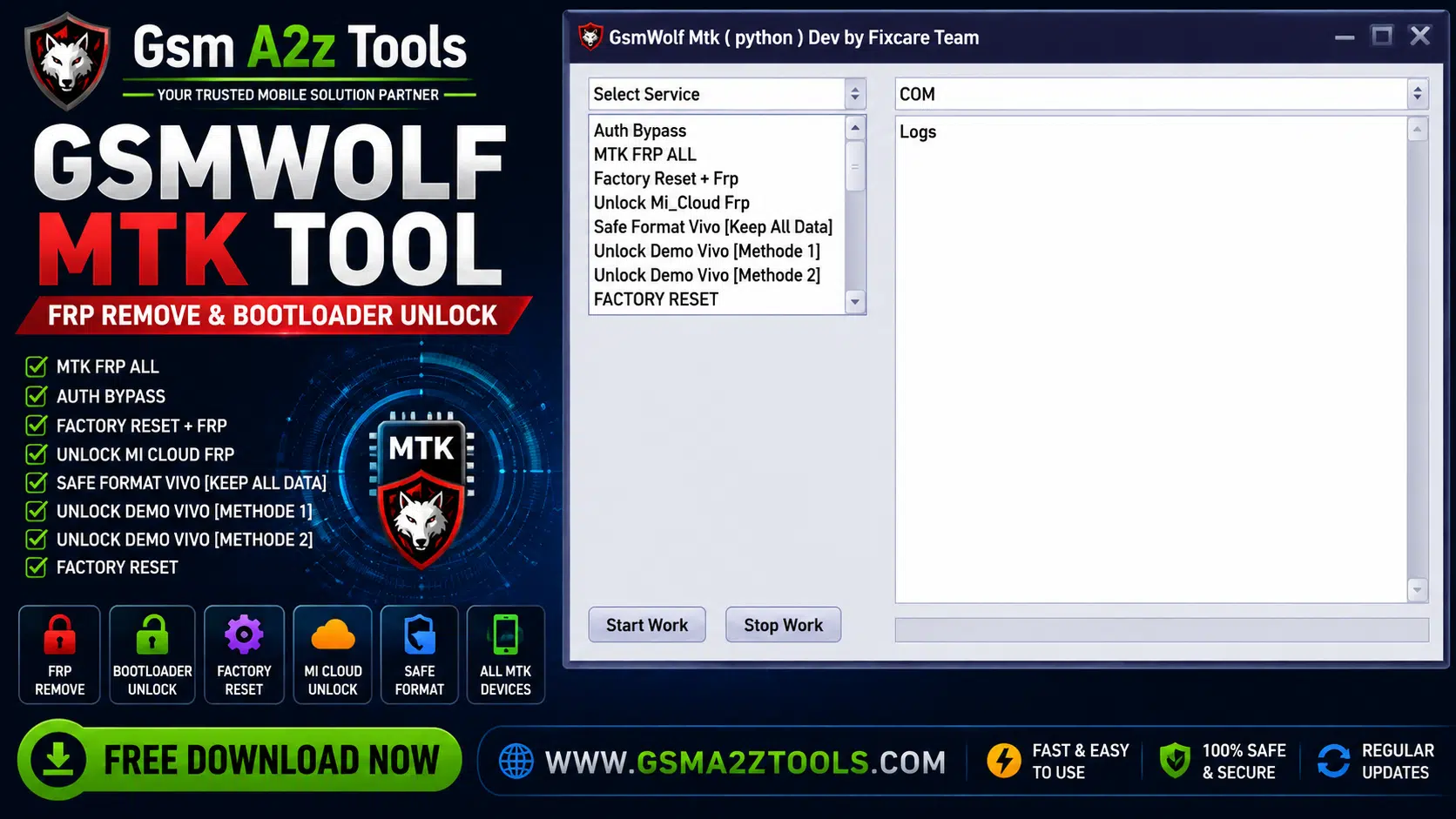
Gsmwolf mtk tool promotional banner by gsm a2z tools — featuring mtk frp all auth bypass factory reset mi cloud unlock safe format vivo keep all data unlock demo vivo method 1 and method 2 and factory reset support for all mediatek devices.
There’s Nothing More Frustrating Than Staring At A Locked Mediatek Device When A Client Is Waiting. Frp Won’t Clear Mi Cloud Is Holding The Phone Hostage And Your Usual Tools Are Coming Up Empty. If You’ve Been In That Situation More Than Once You Already Know How Much The Right Mtk Tool Matters. Gsmwolf Mtk Tool Was Built Exactly For Moments Like These And It Delivers.
In This Guide You’ll Get A Complete Breakdown Of Everything Gsmwolf Mtk Tool Offers. We’ll Walk Through Auth Bypass Mtk Frp Removal Mi Cloud Unlock Vivo Safe Format Demo Unlock Methods Bootloader Control Samsung Mtk Frp Nv Backup And More. Whether You’re Running A Busy Repair Shop Or Handling Devices On The Side This Post Covers Everything You Need To Know Before You Download And Get Started.
What Is The Gsmwolf Mtk Tool
Gsmwolf Mtk Tool Is A Windows-based Android Servicing Utility Built Specifically For Mediatek Chipset Devices. It Gives Repair Technicians Direct Access To Low-level Device Functions That Standard Recovery Menus And General-purpose Tools Simply Can’t Reach. Think Of It As A Precision Instrument Designed For One Chipset Family And Refined To Handle It Better Than Anything Else In Its Category.
What Separates This Tool From The Crowd Isn’t Just The Feature List. It’s The Focus. Instead Of Trying To Cover Every Chipset Under The Sun And Doing All Of Them Halfway Gsmwolf Mtk Tool Goes Deep On Mediatek. That Depth Shows Up In The Results Faster Operations More Reliable Outcomes And Support For Device-specific Functions That Broader Tools Tend To Miss Entirely.
Also Read
Why Gsmwolf Mtk Tool Is Different From Other Mtk Tools
Most Repair Tools Fall Into One Of Two Traps. They Either Try To Cover Too Many Chipsets And End Up Mediocre At All Of Them Or They Focus On One Brand And Ignore Everything Else. Gsmwolf Mtk Tool Takes A Smarter Approach — It Targets The Mediatek Ecosystem Specifically But Covers A Wide Range Of Brands Running On Mtk Hardware Including Samsung Xiaomi Vivo Oppo And Realme.
The Other Thing That Stands Out Is How The Features Are Organized. You Don’t Have To Hunt Through Tabs Or Guess Which Function Applies To Your Device. The Auth Bypass Section Is Clearly Laid Out The Frp Options Are Grouped Logically And The Vivo-specific Tools Have Their Own Dedicated Space. For A Technician Working Through A Queue Of Devices That Kind Of Clarity Saves Real Time Every Single Day.
Features GsmWolf MTK Tool
- Auth Bypass
- MTK FRP ALL
- Factory Reset + FRP
- Unlock Mi Cloud FRP
- Safe Format Vivo (Keep All Data)
- Unlock Demo Vivo (Method 1)
- Unlock Demo Vivo (Method 2)
- Factory Reset
- Safe Format – Misc
- Unlock Bootloader
- Relock Bootloader
- Samsung FRP – All MTK
- Xiaomi Account Erase
- VivoV23e Demo
- Backup Nv
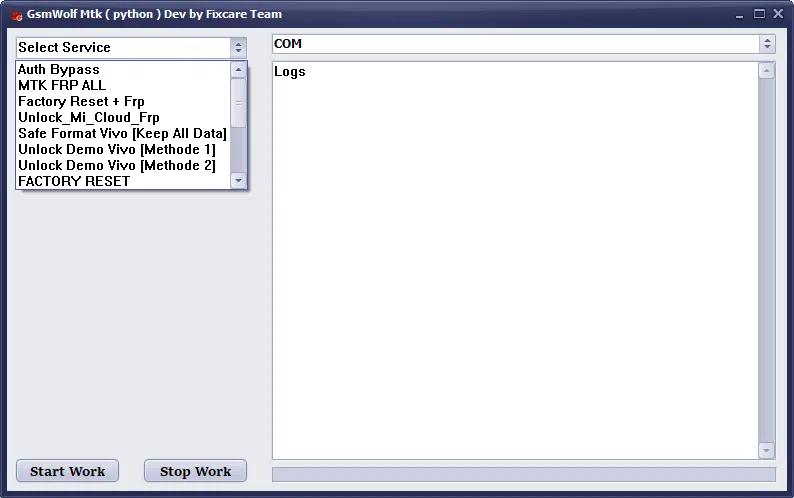
Gsmwolf mtk tool (python) developed by fixcare team — displaying the select service menu with options including auth bypass mtk frp all factory reset mi cloud recovery safe format vivo keep all data unlock demo
System Requirements And Supported Devices
Gsmwolf Mtk Tool Runs On Windows And Requires A Fairly Standard Setup To Operate Correctly. Make Sure Your Usb Drivers Are Installed Before Connecting Any Device Since A Missing Driver Is The Most Common Reason The Tool Fails To Detect Hardware.
System Requirements
| Requirement | Details |
|---|---|
| Operating System | Windows 7, Windows 10, Windows 11 |
| Architecture | 32-bit / 64-bit |
| USB Drivers | Must Be Installed Before Connecting Device |
| Internet Connection | Required For Activation / Updates |
| RAM | Minimum 2gb (4gb Recommended) |
| Storage | Minimum 500mb Free Space |
| USB Cable | Original Or Good Quality Data Cable |
| Framework | Net Framework 4.0 Or Later |
Is Gsmwolf Mtk Tool Safe To Use
This Is A Fair Question And It Deserves An Honest Answer. Gsmwolf Mtk Tool Itself Is A Legitimate Repair Utility Used By Professional Technicians. The Tool Is Safe When Downloaded From A Verified Source And Used On Devices You Own Or Have Clear Authorization To Service. The Operations It Performs Are Powerful — Which Is Exactly Why They Should Be Used Responsibly.
The Main Risk Isn’t The Tool Itself But Where You Download It From. Fake Or Repackaged Versions Of Popular Repair Tools Are Extremely Common And Some Carry Malware Bundled Inside. Always Download Gsmwolf Mtk Tool From A Trusted Source Scan The File Before Running It And Never Disable Your Antivirus To Install A Repair Utility. A Legitimate Tool Doesn’t Need You To Lower Your Defenses To Work Correctly.
Download Gsmwolf Mtk Tool Free Latest Version
Before You Download Take A Moment To Verify You’re On The Right Page. Check The File Size Against What Other Users In Trusted Repair Forums Report And Look For Recent Community Feedback Confirming The Version Works As Expected. Scammers Frequently Clone Download Pages For Popular Tools So A Few Extra Seconds Of Verification Is Always Worth It.
Once You Have The Correct File Extract The Archive Install Any Required Drivers From The Driver Package Included And Launch The Tool. Check The Version Number Against The Changelog To Confirm It Supports Your Target Device’s Firmware. Gsmwolf Mtk Tool Updates Regularly As New Firmware Versions Roll Out So Keeping It Current Ensures You Always Have Access To The Latest Supported Operations Across The Full Range Of Mtk Devices.
Conclusion
Mediatek Devices Make Up A Massive Share Of The Global Android Market And Having The Right Tool For Them Isn’t Optional It’s Essential. Gsmwolf Mtk Tool Covers The Full Range Of What A Working Mtk Repair Technician Needs: Auth Bypass Frp Removal Mi Cloud Unlock Vivo Safe Format Demo Removal Bootloader Control Samsung Mtk Frp And Nv Backup All In One Clean Interface.
Download It From A Trusted Source Keep It Updated And Always Use It On Devices You’re Authorized To Service. If You Work On Mtk Devices Regularly This Tool Deserves A Permanent Spot In Your Repair Toolkit.
GsmWolf MTK Tool
Download Link:: Mediafire – 4shared – My.pcloud – Playbook – DropBox – Mega – Drive.Proton – Google Drive